TC
The Comparator

Retailer Academy

The Ultimate Guide to Retailer Integration

Everything you need to know about getting your store listed, managing your data, and how our objective ranking works.

Welcome to the Retailer Academy. This guide is designed to help your catalog team, developers, and account managers successfully integrate your hardware store with The Comparator.

Unlike traditional affiliate networks or sponsored marketplaces, we prioritize technical precision and buyer trust above all else. This guide walks you through every step of that process.


1. Getting Listed

Getting your offers live on The Comparator requires strict adherence to our data formats. We donโ€™t scrape your site; we rely on structured data you provide.

Step 1: Prepare your Feed

Before you apply, you must ensure that your catalog can be exported automatically on a regular schedule.

  1. Choose a format: We accept CSV, XML (including standard Google Merchant Center feeds), JSON, or REST APIs.
  2. Ensure correct identifiers: Every product in the feed must have at least one valid GTIN, EAN, UPC, or Manufacturer Part Number (MPN).
  3. Verify availability: Ensure that stock status (in_stock, out_of_stock) is dynamically updated.
Tip

If you are using a standard eCommerce platform (like Shopify, Magento, or WooCommerce), you can usually use an existing Google Merchant Center export plugin. Our parser understands Google’s default XML schemas perfectly.

Screenshot: Where to find your feed URL in Google Merchant Center

Step 2: Submit the Application

Once your feed URL is ready:

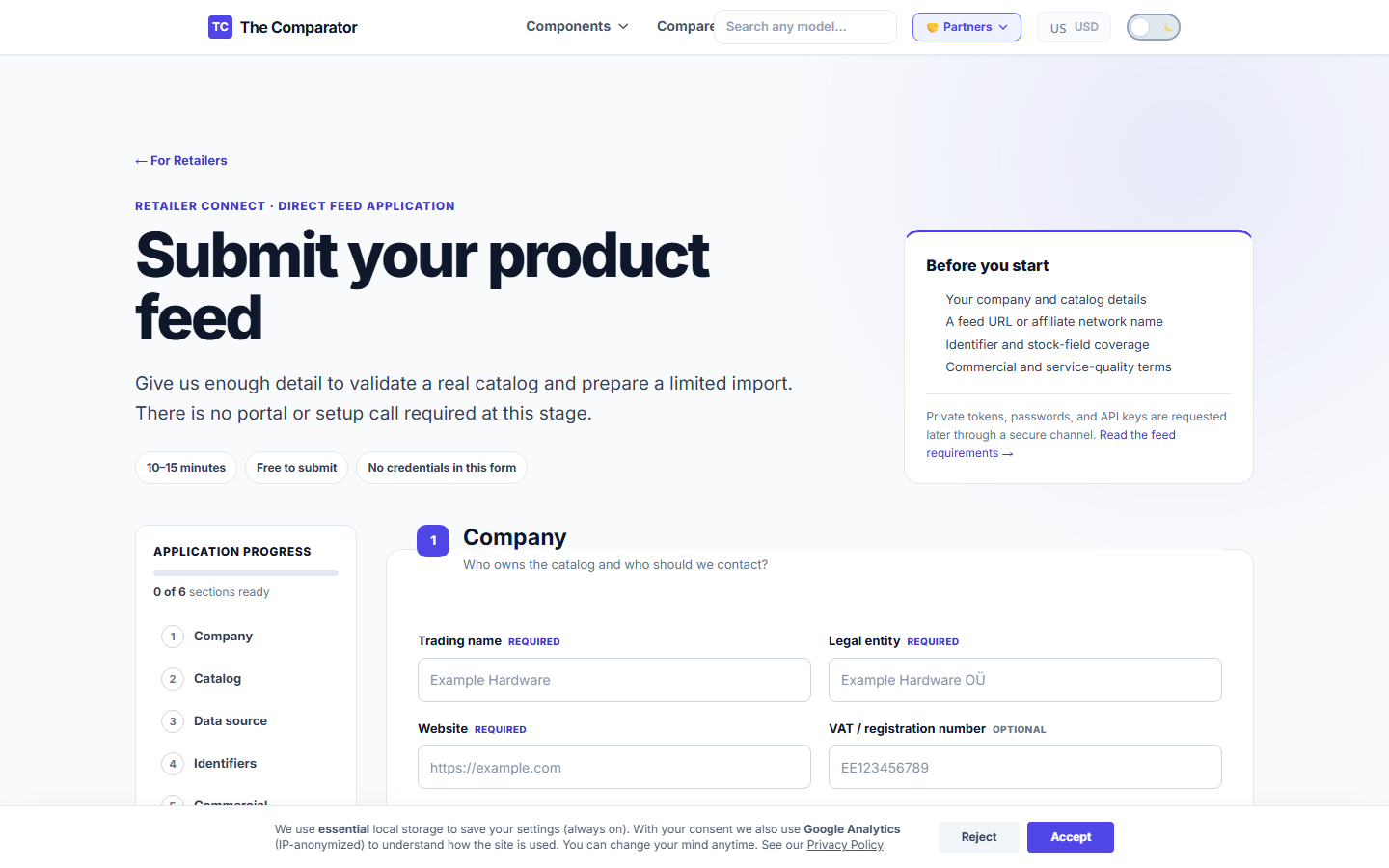
  1. Navigate to the Retailer Application Form.
  2. Fill in your store details, support email, and paste your Feed URL.
  3. Submit for review. Our team will manually map a sample of your items (usually 50-100) before importing the whole feed.

2. Managing Your Data

Once your feed is connected, your offers will begin mapping to our internal hardware database.

Understanding Product Matching

The Comparator uses an exact-match system. We don’t guess what you are selling.

  • If your feed says ASUS RTX 4070 SUPER OC and provides the EAN 4711387450889, we map it instantly.
  • If your feed just says ASUS GPU 12GB with no EAN or MPN, the offer will be rejected.

Screenshot: An example of a Mapping Error Report showing missing GTINs

How to Fix Rejected Offers

If your offers are missing from our site, it usually means they failed our validation rules. To fix this:

  1. Open your Mapping Report (provided via email to Direct Feed partners).
  2. Look for items marked with the ERR_NO_IDENTIFIER or ERR_PRICE_ANOMALY codes.
  3. Update your source feed to include the missing Manufacturer Part Number (MPN) or correct the price.
  4. The system will automatically pick up the fixes on the next scheduled sync.

3. Why Paying The Comparator Does Not Improve Your Organic Ranking

Important

Our platformโ€™s value to buyers is built entirely on trust and objective data. If buyers suspect our price recommendations are bought, they leave. Because of this, paid plans never change product scores or organic rankings.

We offer premium data integrations (Paid Listings / Direct Feeds) for stores that want advanced analytics or faster updates, but this is strictly a technical and analytical service.

โœ“ What You Pay For

When you upgrade to a Direct Feed or Premium Retailer plan, you are paying for infrastructure and insights:

  • Speed: Faster and more frequent feed updates (e.g., hourly instead of daily).
  • Integration Support: Direct API access, multi-market ingestion, and dedicated technical support to help you map complex catalogs.
  • Analytics: Detailed Click Analytics, Mapping Reports, and visibility loss metrics (knowing exactly why you lost a click).
  • Brand Presence: A verified retailer badge and a dedicated Merchant Profile page outlining your store’s policies.

โœ— What You NEVER Pay For

You cannot buy your way to the top of our lists.

  • No Artificial Boosts: You cannot pay to artificially boost the “Value Score” of a product you sell.
  • No Hiding Competitors: You cannot pay us to hide cheaper competitors from the price comparison table.
  • No Guaranteed #1 Spot: You cannot buy a guaranteed #1 spot in the organic price list. The cheapest total price (Cost + Shipping) will always rank first.

Screenshot: Comparison between Organic Price Ranking and clearly labeled Sponsored Slots


4. Understanding Retailer Click Analytics

If you are on a premium plan, you receive monthly or weekly analytics reports. These reports go beyond basic click-through rates (CTR).

Visibility Loss Metrics

The most valuable metric we provide is Visibility Loss. This tells you how many impressions your store missed because:

  1. Your offer was out of stock while competitors were in stock.
  2. Your feed failed to update, so your lower price wasn’t displayed.
  3. Your product was missing a GTIN, so it never mapped to the product page where 10,000 buyers were looking.

By using this data, you can directly instruct your catalog team to fix specific SKUs that have the highest potential for conversion.