
- Choose the job in the Value menu under Decision tools.
- Set a minimum grade with Minimum capability, for example 1440p Sweet Spot, B+.
- Filter what is fixed: maximum price, socket or memory type, case size, capacity.
- Sort by Value. If price matters more to you than the preset assumes, open Customize and raise the price weight.
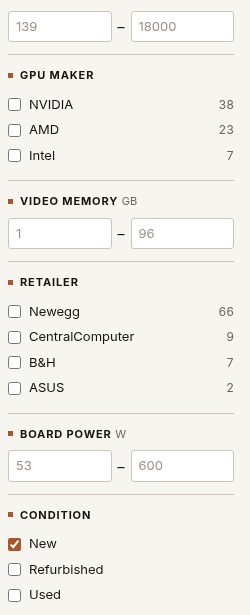
New, refurbished, used
The market shows new offers by default. Tick Refurbished or Used under Condition if you are open to them. They are scored in the same market, so you can see whether the saving is worth it.
Share the view
The address of the page carries your filters and priorities. Share copies the link, and anyone who opens it sees the same view.