
Capability: what a product can do
A grade answers one question for one job: how well can this product do it? Graphics cards are graded separately for 1080p, 1440p and 4K gaming, for ray tracing at each resolution, for local AI and for 3D rendering. Processors are graded for gaming, productivity and performance per watt. Drives are graded as a system drive, for games and files, and for heavy creative work.
Grades run from S (excellent) to F. They come from fixed rules for each job, such as measured performance, memory, endurance and features. They never look at price. A product does not get a better grade because it got cheaper, and it keeps its grade when it goes out of stock.
If a grade rests on a figure we estimated instead of measured, the product is marked est.
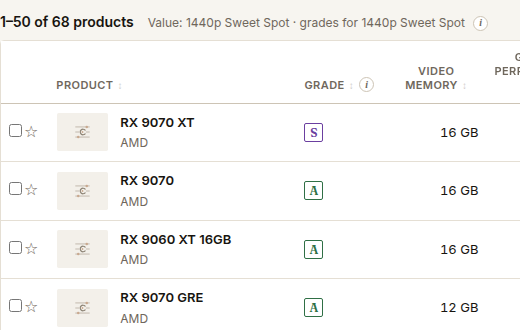
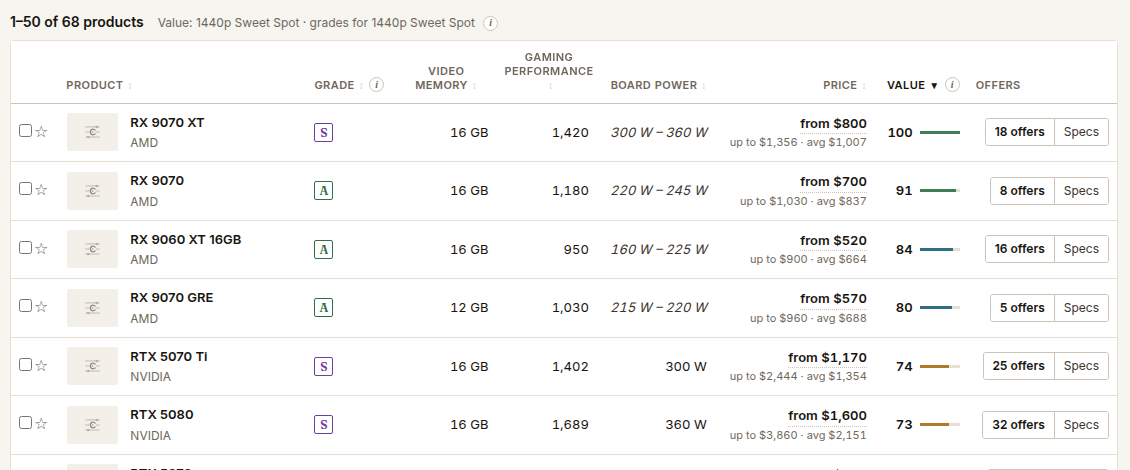
Value: how good the current price is for you
Value brings price back in. It weighs what a product delivers against what it costs, using your priorities: how much price matters, and how much performance, memory, efficiency, warranty or freshness matter. A preset such as 1440p Sweet Spot is a starting set of priorities. You can change any of them.
Value is a number from 0 to 100 within the view you are looking at. 100 is the top of the current scale. Several products can reach it. The same product can show a different Value on two pages that compare different products.
Why price changes Value but not the grade
If a card gets cheaper, it does exactly what it did yesterday, so its grade stays. It is a better deal now, so its Value goes up. If you raise the weight on price, cheaper products move up. The products did not change. Your priorities did.
Reading them together
| You see | It means | What to do |
|---|---|---|
| High grade, low Value | Very capable, but expensive for what you asked | Look at a lower grade that still clears your job |
| Modest grade, high Value | A good deal, if that grade is enough | Check the grade against your job |
| High grade, high Value | Capable and well priced for your priorities | Compare it with the next one down |
| Low grade, low Value | Neither | Skip it |
To find products that are good enough and good value, set a minimum grade for your job, then sort by Value.