
- Say what you own. Open the planner on the home page, or the Upgrade planner on your product’s page, and choose I already own this product. (I want this product does the reverse: it compares a candidate with what you have.)
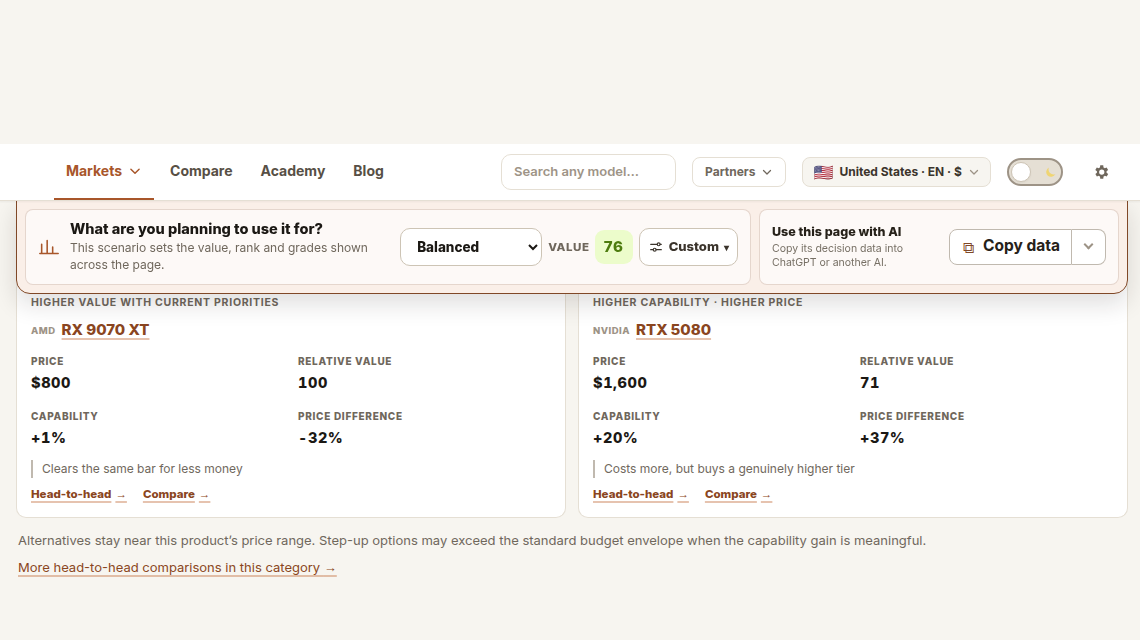
- Choose the job. The scenario at the top of the page, What are you planning to use it for?, sets which capability the planner measures.
- Enter the numbers it asks for, including what your current part is worth. Upgrades are ranked by out-of-pocket cost: the new price minus what yours is worth.
- Read the options. Each shows the capability gained, the cost and a fit label.
A small gain is not offered as an upgrade. The planner counts a step up only when you would notice it.
On the home page the quick planner shows three facts: the largest gain within your budget, the option with the highest Value, and the cheapest step up that clears the threshold.