
Compare: a short list side by side
- Tick the products you are torn between. A bar at the bottom shows Compare (3). You can also add products inside Compare.
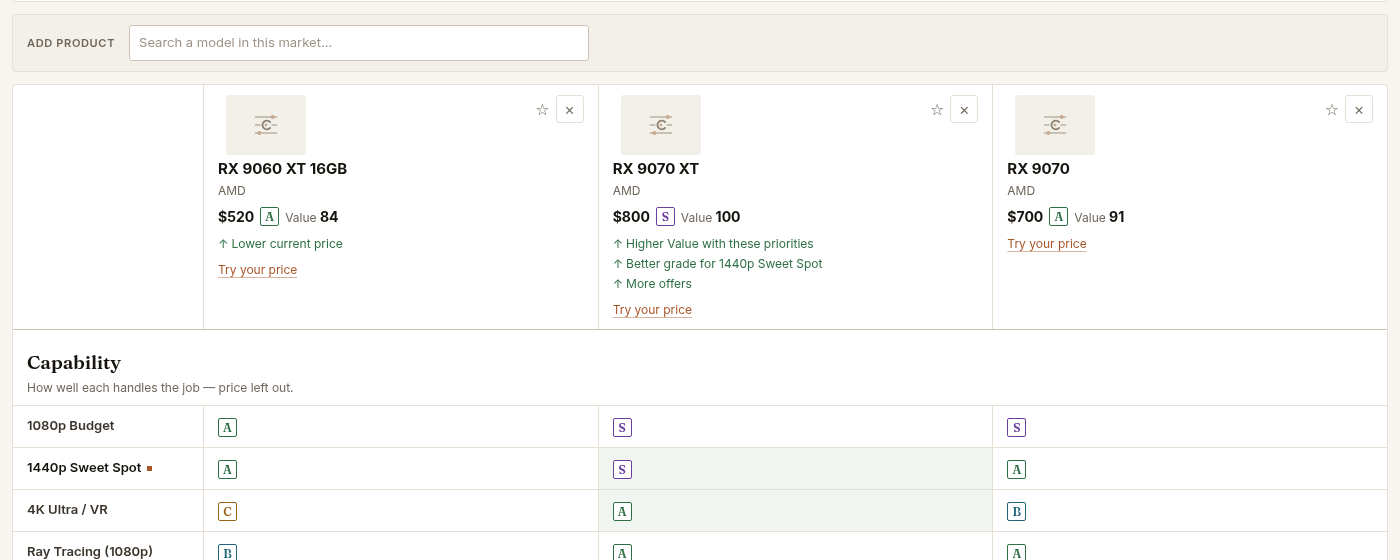
- Open Compare. Up to six products appear in columns, with the same priorities and the same current prices.
- Keep Differences only ticked. Rows that are identical disappear.
- Read the trade-off. What do you give up for what you gain? A higher grade for a higher price, or more memory for more power?
Head-to-head: one pair in depth
A head-to-head page compares exactly two products and adds:
- The price at which the answer changes. How cheap the other product would have to get for its Value to match.
- Priority sensitivity. Whether a small change in your priorities would swap the order.
- Market position. Where each product sits among everything in its market.
Take it with you
Copy the link to share the exact comparison, or use Copy for AI. If a ranking surprises you, read Why Value changes.