How to Calculate PC Upgrades (Out-of-Pocket & Perf Uplift)
A complete step-by-step guide to calculating PC hardware upgrades based on net out-of-pocket costs, resale value, and performance uplift.
How to Calculate PC Upgrades
When upgrading your PC, buying a new card isn’t just about the sticker price — it’s about what actually leaves your wallet (net out-of-pocket cost) and whether the performance jump justifies the expense.
1. The Core Upgrade Equation
Unlike simple store listings, The Comparator calculates upgrade decisions using out-of-pocket costs:
- Out-of-Pocket Cost = New Product Price minus Resale Value of Your Current Part
- Total Buying Power = Extra Budget plus Resale Value of Your Current Part
2. Step-by-Step Upgrade Calculation
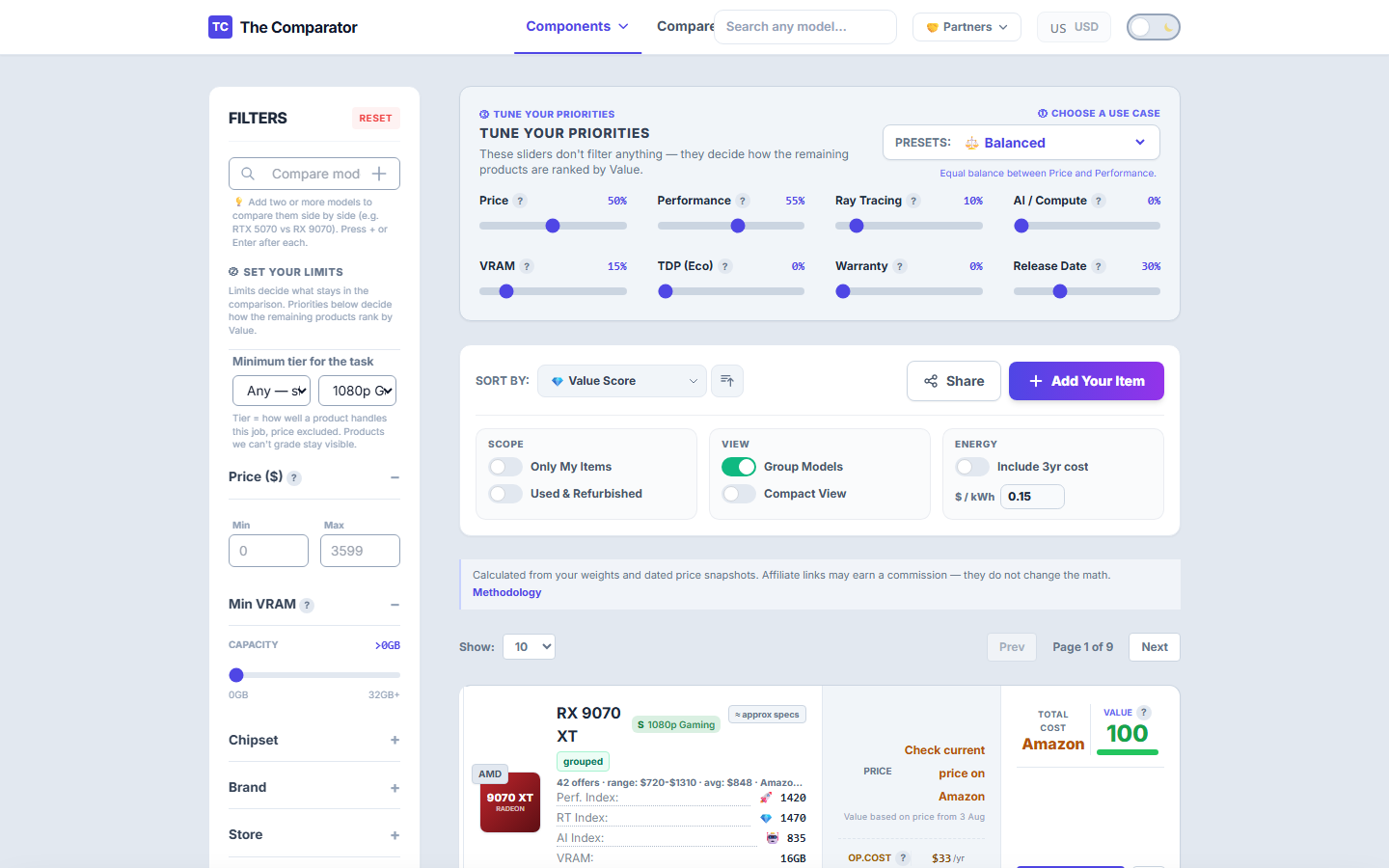
Step 1: Open any Product Page
Go to the product page of a component you own or are considering (e.g. GeForce RTX 4070 SUPER). Scroll down to the “Already own this card?” Upgrade Calculator section.
Step 2: Select Your Workload Scenario
Choose your primary workload (e.g. 🎮 1440p Sweet Spot, 🤖 AI / LLM, or 💎 Ray Tracing). Upgrades are ranked by capability for that specific task, preventing you from buying a card that looks faster on paper but drops in VRAM or RT tier.
Step 3: Enter Your Extra Budget & Resale Estimate
- Extra Budget: Enter how much fresh cash you plan to spend (e.g.
$300). - Resale Estimate: Enter what your current card will sell for on eBay, Facebook Marketplace, or local marketplaces (e.g.
$180).
Step 4: Review Your Ranked Upgrades
Click Show my upgrade options. The engine filters and ranks in-stock candidates according to strict rules:
- 🟢 +20% Uplift Floor: Only shows cards offering at least +20% performance increase. Anything below +20% is flagged as a sidegrade.
- 🛡️ Tier Protection: Flags any card that has lower scenario tier capability than your current part (e.g. VRAM bottlenecks).
- 💰 Cost Efficiency: Ranks deals by performance gain per $100 out-of-pocket spent.
3. Alternative: Pinning Your GPU in the Main Table
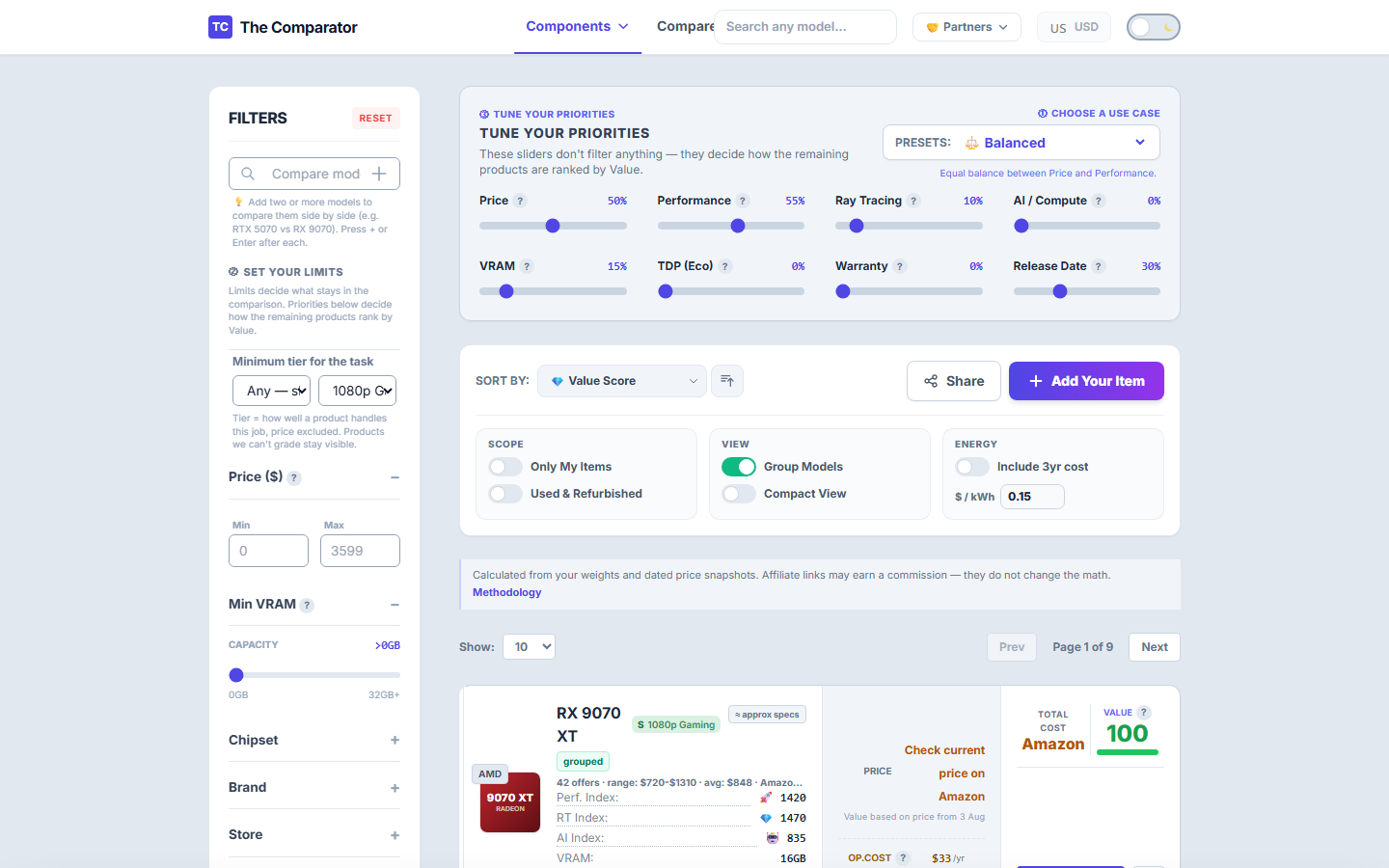
If you prefer to browse the full GPU catalog while evaluating upgrades:
- Search for your current card in the GPU Calculator.
- Click the 📌 Pin Icon on the right side of its row.
- Your card stays locked at the top while all other rows display direct percentage FPS and price deltas!