Interface & UI Element Reference Guide
A comprehensive breakdown of all UI controls, preset buttons, value score badges, facet sliders, upgrade calculators, and comparison tools on The Comparator.
Interface & UI Element Reference Guide
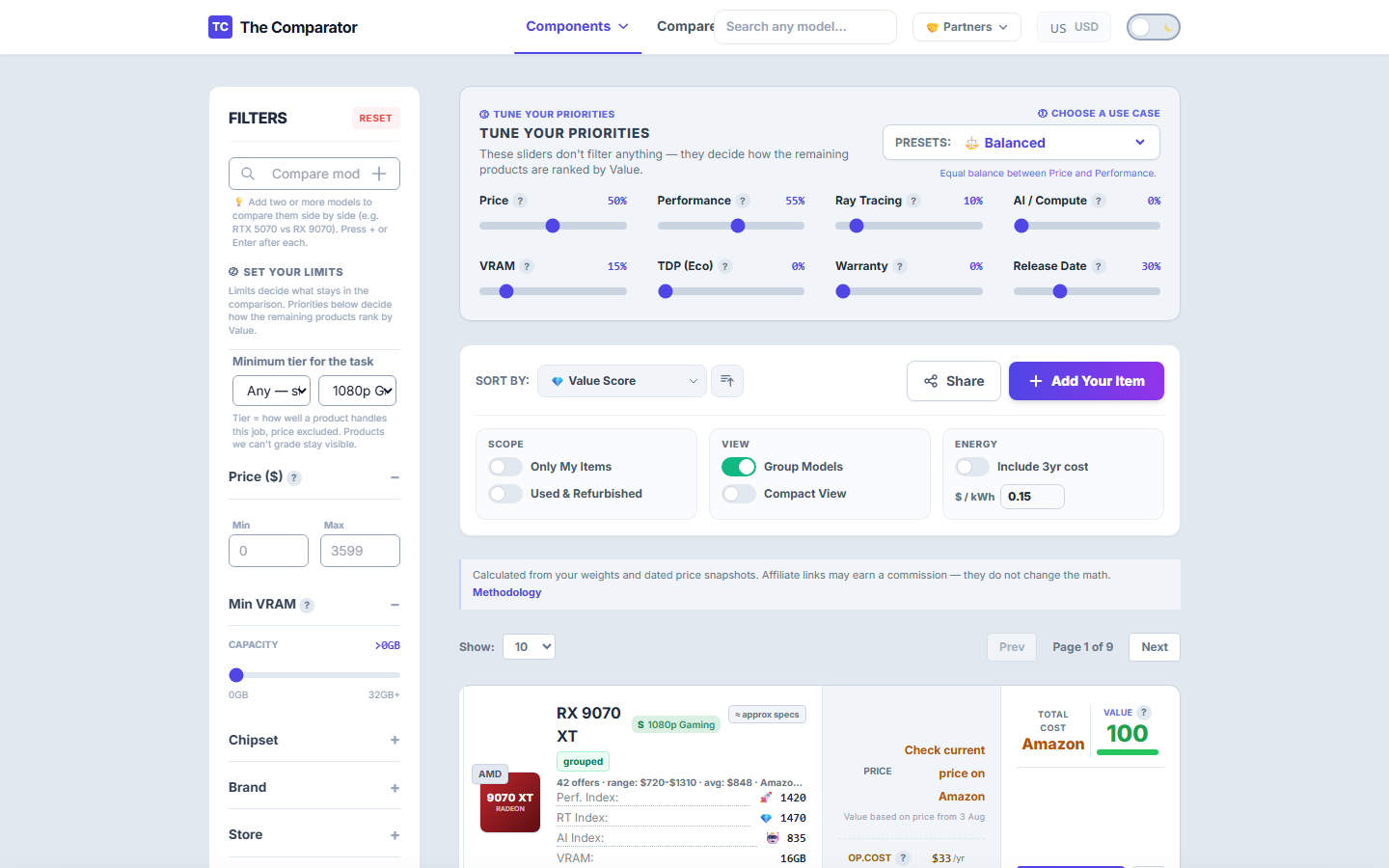
Welcome to the visual reference encyclopedia for The Comparator. This document breaks down every interactive control, metric badge, filter slider, and calculation island across our platform so you can navigate the data with total clarity.
1. Quick Target Selection & Presets
Located directly above the comparison table on /gpu/, /cpu/, /ssd/, /ram/, and /mobo/.
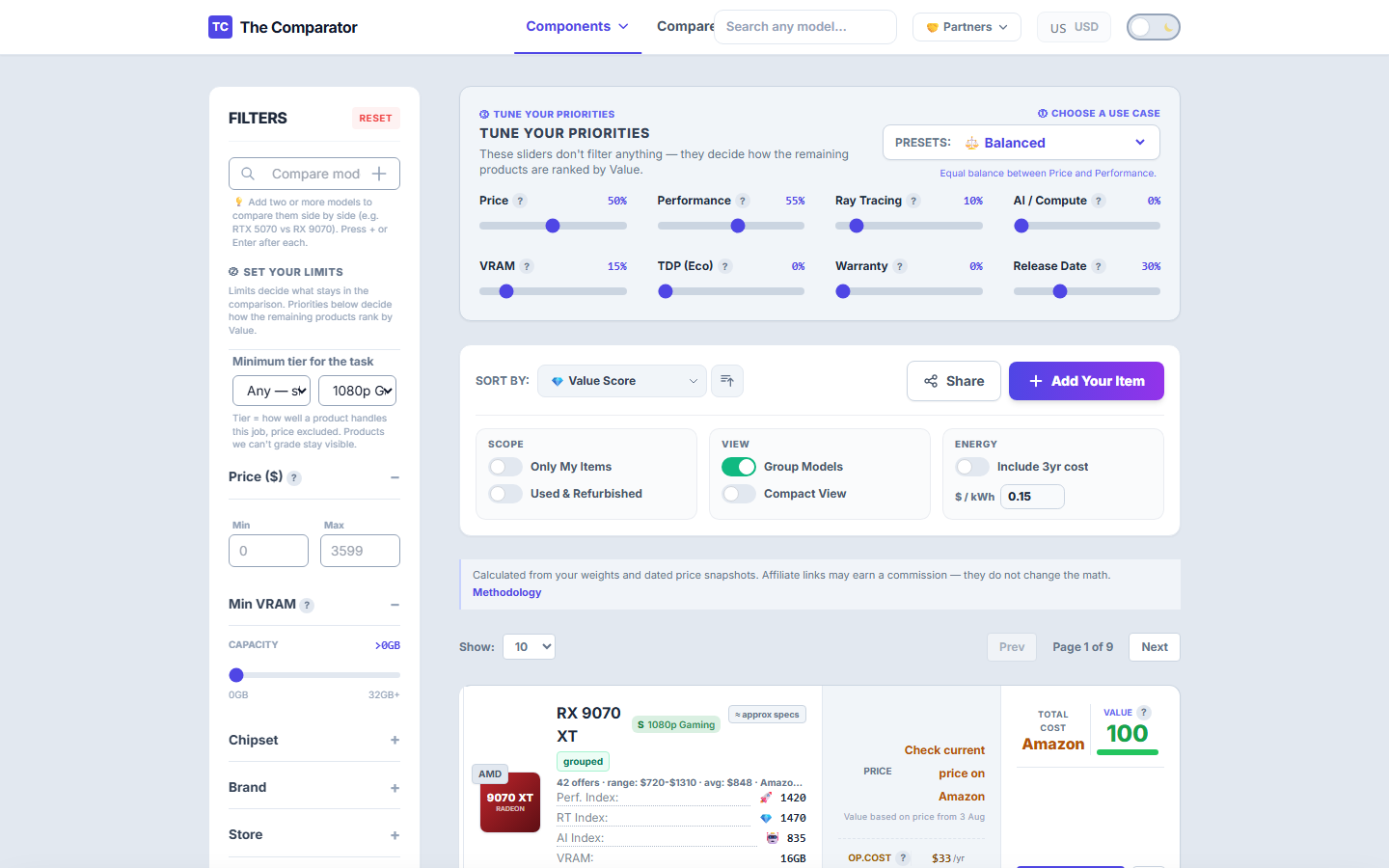
Key Controls:
- 🎮 Gaming 1080p / 1440p / 4K: Changes the relative raster-performance elasticity for your target resolution.
- ⚡ Ray Tracing (RT): Raises the RT ratio elasticity for cards with stronger measured DXR performance.
- 🤖 AI & LLM Workloads: Emphasizes FP16 Tensor throughput and VRAM capacity for local models.
- ⚖️ Recency / Freshness: Adds an explicit release-year contribution when the preset calls for it.
2. Value Score Badge & Performance Rubric
Printed in the second column of every product row.
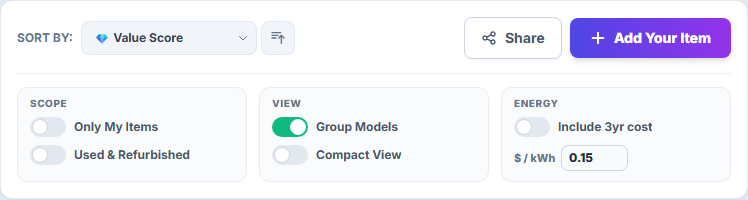
Badge Metrics:
- Value Score (0–100): A weighted product of relative benefit ratios and inverse cost ratios inside the current comparison frame. A score of 100 is the current frame leader for the selected weights; close underlying ratios remain close.
- Tier Rubric (S, A, B, C, D, F):
- 👑 S-Tier: Exceptional deal; top 5% value ratio in its class.
- 🟢 A-Tier: Great buy; strong performance per dollar.
- 🔵 B-Tier: Fair market value.
- 🟠 C/D-Tier: Overpriced relative to performance.
- 🔴 F-Tier: Poor value or obsolete pricing.
3. Facet Filter Panel & Sliders
Located immediately above the product table.
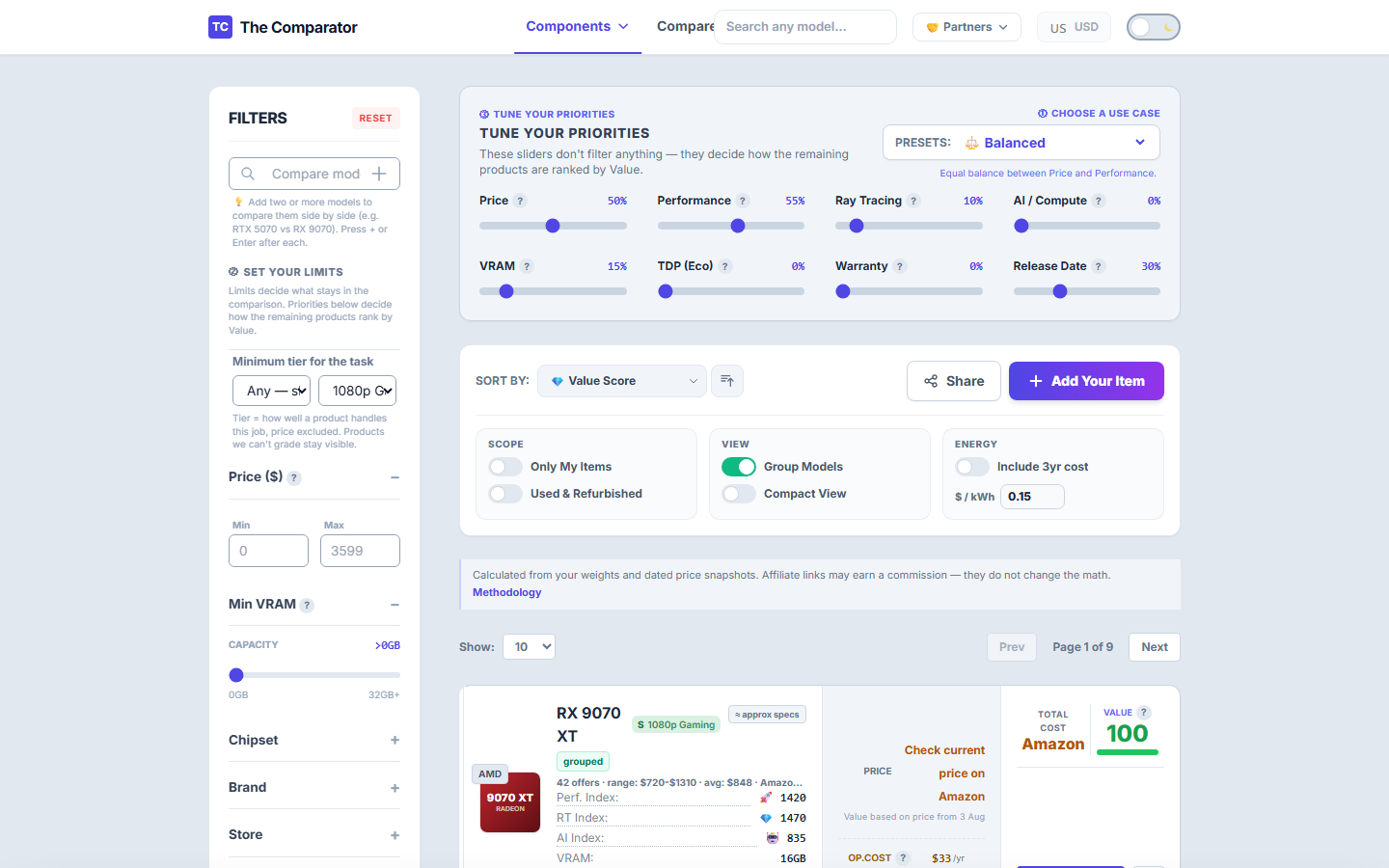
Filter Options:
- 💾 VRAM Minimum Slider: Filter out cards with insufficient VRAM (e.g. require 12 GB or more for modern 1440p gaming).
- 💵 Price Range Floor/Ceiling: Set strict budget limits (e.g. $200 - $500).
- 🏷️ Condition Toggle: Switch between New (store-guaranteed retail), Refurbished, and Used (marketplace listings).
- 🔍 Filter Search Box: Instant fuzzy filter by brand (NVIDIA, AMD, Intel, ASUS, MSI) or model name.
4. Upgrade Out-of-Pocket Calculator Island
Located below the primary comparison table.
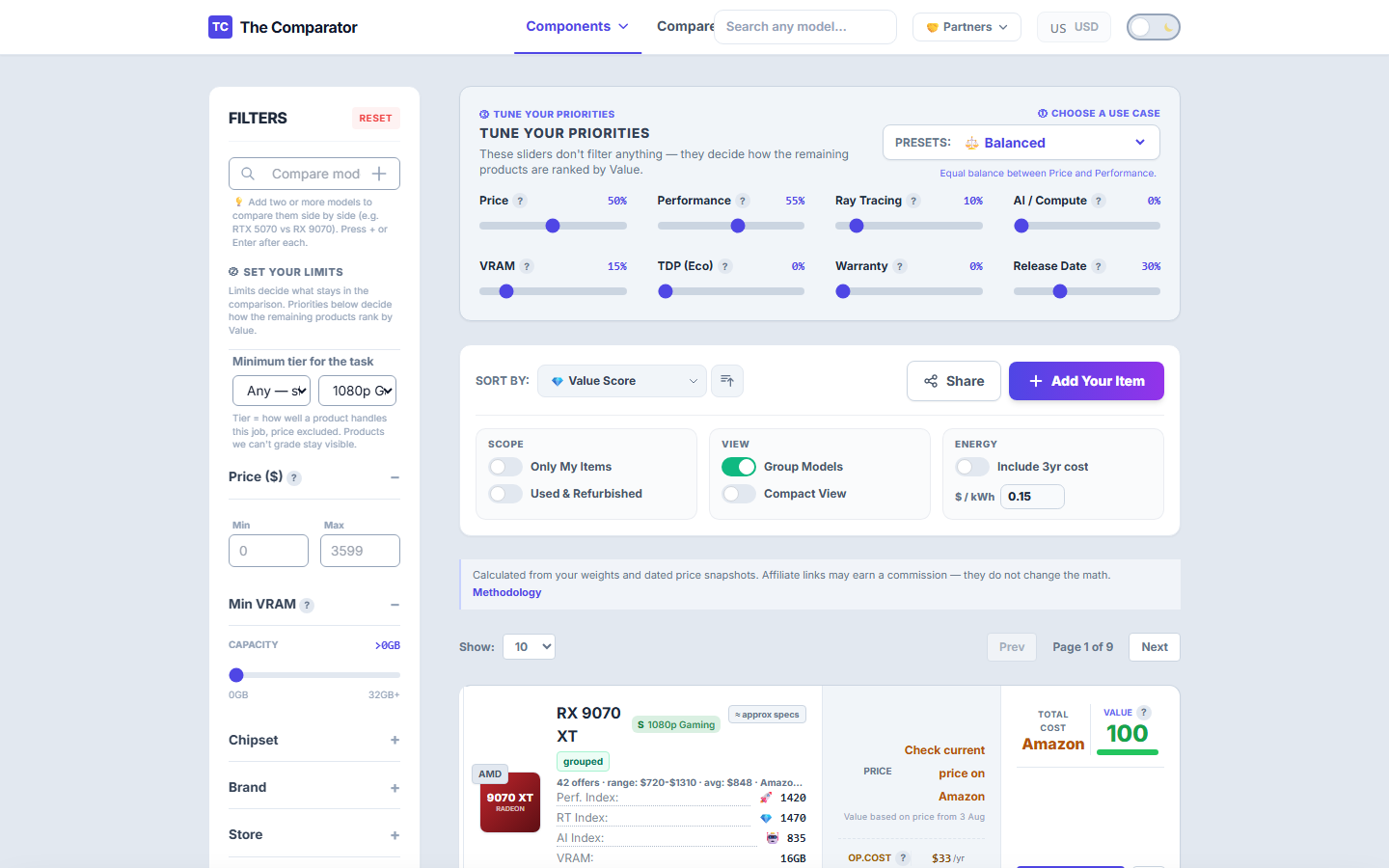
How to read it:
- 📉 Baseline Card: Select your current installed graphics card (e.g. GTX 1060 6GB).
- 📈 Upgrade Target: Select your target GPU (e.g. RTX 4070 12GB).
- 💰 Net Out-of-Pocket Cost: Calculated as Target Price minus Estimated Baseline Resale Value.
- 📊 Cost Per FPS Gain: Shows exact dollars spent per percentage point of performance uplift.
5. Add Custom Listing / Marketplace Modal
Triggered by clicking the + Add Custom button in the header toolbar.
Modal Fields:
- 🏷️ Listing Title / Note: e.g., “eBay RTX 3080 Used Pick-up”.
- 🎯 Reference GPU Model: Select the base GPU model from our database (autofills specs, TDP, raster/RT scores).
- 💲 Listing Price & Shipping: Enter total cost to instantly insert the item into the live comparison table and calculate its custom Value Score.
6. Comparison Matrix & Head-to-Head Matchup
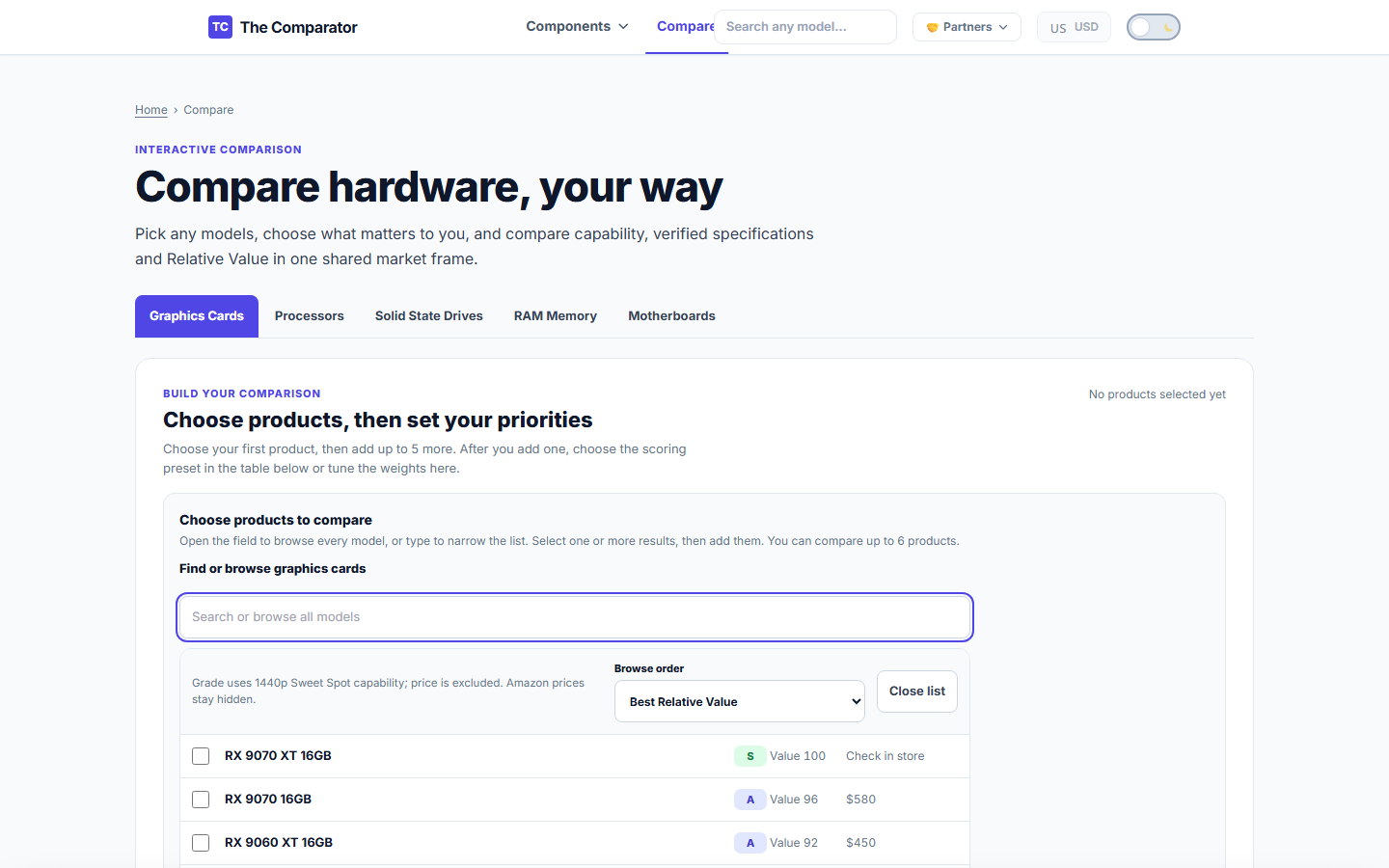
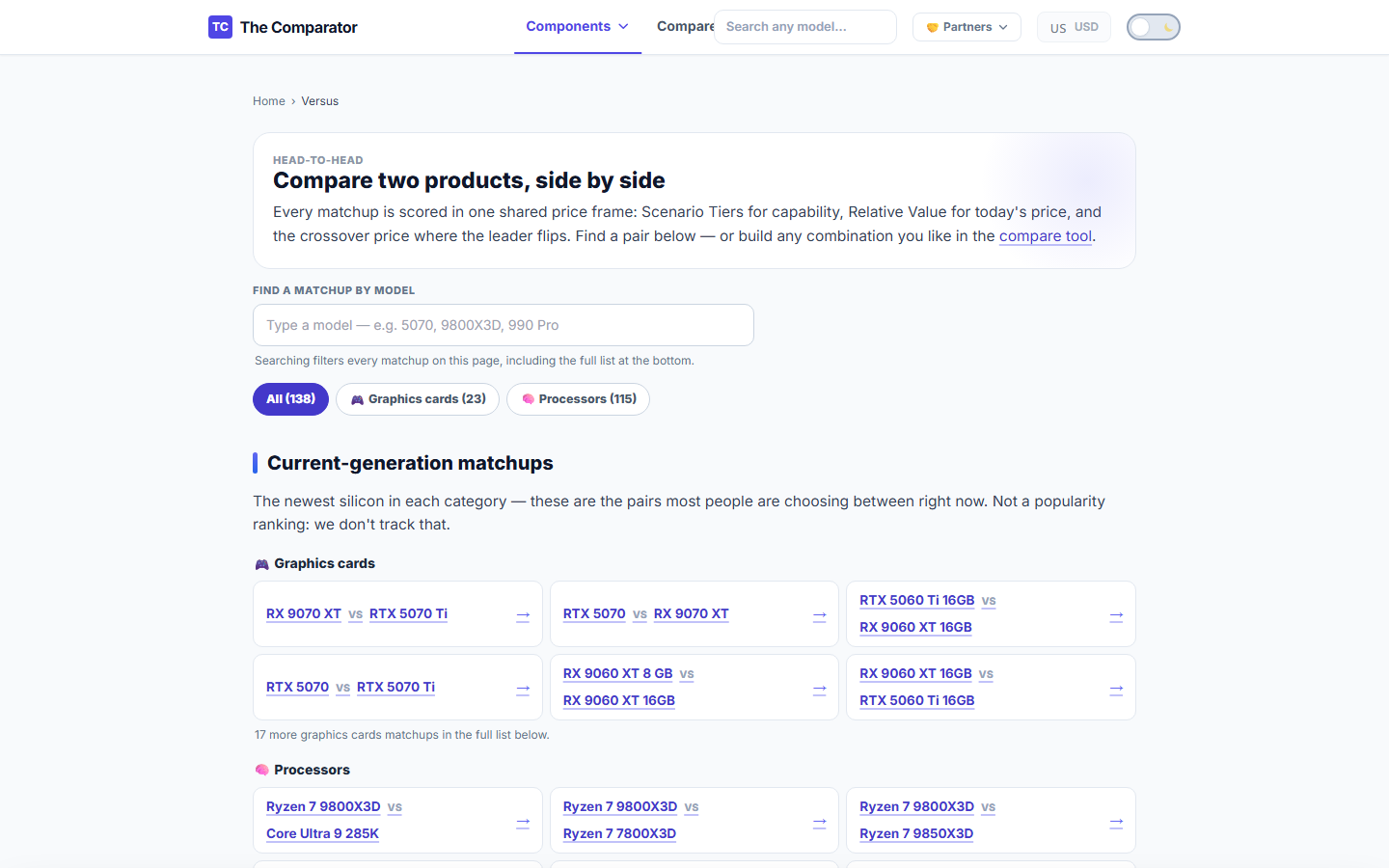
Accessible via /compare/ or clicking + Compare on individual product rows.
Key Features:
- 📌 Pinned Items Bar: Floating drawer storing up to 4 pinned items for instant side-by-side comparison.
- ⚖️ Crossover Price Math: Calculates exact price points at which Card B becomes a better deal than Card A.
🔗 Related Academy Guides
- 🎮 Spotting Real GPU Deals: Step-by-step deal hunting tutorial.
- 🔄 Upgrade Calculator Guide: Evaluating upgrade profitability.
- 🏪 Custom Card Integration: Testing local marketplace listings.
- 🎓 Buyer Academy Hub: Complete Buyer Wiki index.